From workout planning to a Typst package
A small Typst package that turns a year and month into a grid you can write on, built for monthly workout-planning sheets and submitted to Typst Universe.
Every month I print a workout-planning sheet: one page of that month’s training brief, followed by a calendar grid with a cell per day to log what I actually did. The plans and workout change but the calendar grid logic grid does not. Yet the grid was the part I kept re-doing by hand, copy-pasting last month’s table, nudging the weekday offset, fixing the day count, and rotating it to fit a landscape A4 page. That difficulty is why I decided to implement calendaring.
Why Typst
I write these workout plans in Typst rather than LaTeX. The key difference between the two is that Typst’s markup is a real scripting language. I also personally prefer the syntax. You get datetime values, arrays, closures, and calc arithmetic in the same file as the document, with none of the macro contortions a LaTeX calendar demands. And it compiles in milliseconds, so iterating on a layout is immediate.
What I wanted was narrow: a month laid out as a 7-column grid with blank cells big enough to write in by hand. Not an events calendar that renders my appointments. That distinction shaped the design. If you want scheduled events rendered into days, cineca already does it well. calendaring does the opposite job: it makes the empty grid, and gets out of the way.
The factoring-out moment
The shift was small. “Copy last month’s grid and fix it up” became:
#month-grid(2026, 6)That is the whole call for a June 2026 grid. One file, lib.typ, around 195 lines, exposing three functions. No dependencies.
What the package does
month-grid(year, month, …) is the workhorse. The defaults render a Monday-first grid with 3.5cm × 3.3cm cells, tuned for handwriting on a rotated A4 page. The knobs that earned their place are the ones I actually reached for:
#month-grid(
  2026, 6,
  week-start: "sun",     // or "mon"
  cell-width: 1fr,       // fill the page instead of fixed-width cells
  rotated: true,         // 90° for a landscape grid on portrait A4
  week-numbers: true,    // prepend an ISO 8601 week-number column
  today: datetime(year: 2026, month: 6, day: 11),  // highlight one day
)
The design choice that matters most is the extensibility seam. Rather than bolting on a feature for every way someone might want to fill a cell, month-grid takes a cell-content callback that receives the cell’s datetime and returns whatever you want drawn there. The workout rotation that started all of this is just a callback:
#let rotation = ("KB-S&C", "KB-cond", "Cardio", "Gym", "Hyrox", "rest", "rest")

#month-grid(2026, 6, cell-height: 2.2cm, cell-content: date => [
  #text(8pt, weight: "bold")[#date.day()]
  #v(2pt)
  #text(7pt, fill: luma(120))[#rotation.at(date.weekday() - 1)]
])
A habit tracker with checkboxes per day, weekend shading, a training log with large cells — all of them are the same function with a different callback, not new features in the package. That is the test of whether an abstraction is the right one: the interesting variations live in user code, not in mine.
The other two exports are supporting cast. year-grid(year) composes twelve small month grids onto a single page, and is-leap-year(year) is exposed because callbacks sometimes need the same predicate the grid uses internally.
Two things done properly
It borrows, it does not invent. The API is lifted, deliberately, from established LaTeX calendar packages. The events parameter mirrors TikZ calendar’s date-conditional rendering; the today highlight and the weekday-names localization hook come from wallcalendar; the ISO 8601 week-number column is wallcalendar’s too; and the idea of a per-cell callback that receives a date is TikZ calendar’s Monday/weekend conditions in a different shape. There was no reason to reinvent decades of calendar-typesetting design, only to express it in a language that makes it pleasant. Most of this is a port from packages that have had a lot of time spent on them, so many thanks to those maintainers!
The date arithmetic comes from primitives, not lookup tables. Days-in-month is the cleanest example. Instead of a twelve-entry table with a leap-year special case for February, ask Typst for the first of next month and step back one day:
#let _days-in-month(year, month) = {
  let next = if month == 12 {
    datetime(year: year + 1, month: 1, day: 1)
  } else {
    datetime(year: year, month: month + 1, day: 1)
  }
  (next - duration(days: 1)).day()
}
February’s leap-year length falls out for free, because datetime already knows the calendar. The week-number column is real ISO 8601, not an approximation: a date’s week is the week of its Thursday, and week 1 is the one containing the year’s first Thursday. Anchoring to Thursday is what makes the boundaries at year-end come out right.
A gallery of what it makes
The repository ships eight examples, each a short .typ file, and they double as the package’s documentation.
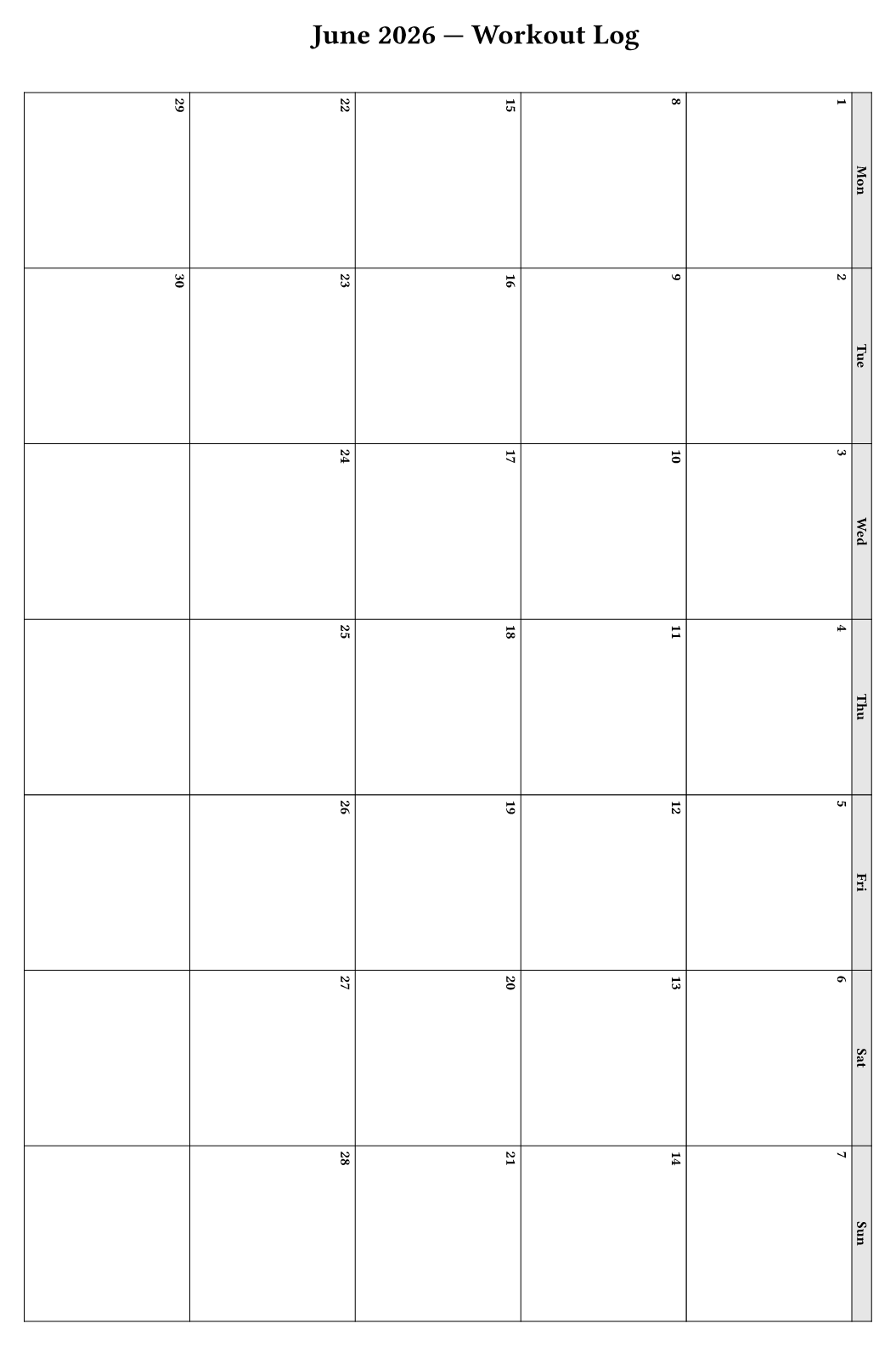
workout-log — the origin: a rotated A4 grid with cells sized for a pen.
#import "@preview/calendaring:0.1.0": month-grid

#month-grid(2026, 6, rotated: true)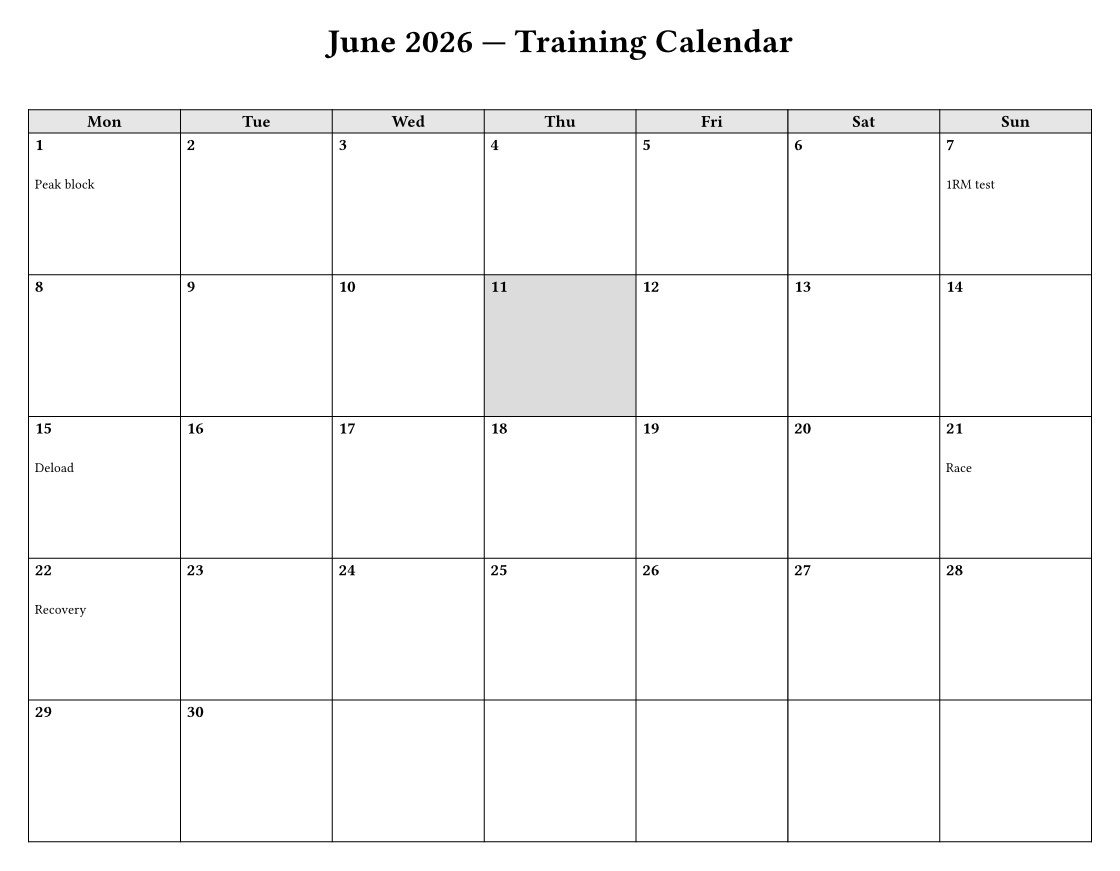
training-calendar — events and today together, marking a peak/deload/race block.
#import "@preview/calendaring:0.1.0": month-grid

#month-grid(
  2026, 6,
  cell-width: 1fr,
  cell-height: 2.4cm,
  today: datetime(year: 2026, month: 6, day: 11),
  events: (
    (datetime(year: 2026, month: 6, day: 1),  [Peak block]),
    (datetime(year: 2026, month: 6, day: 7),  [1RM test]),
    (datetime(year: 2026, month: 6, day: 15), [Deload]),
    (datetime(year: 2026, month: 6, day: 21), [Race]),
  ),
)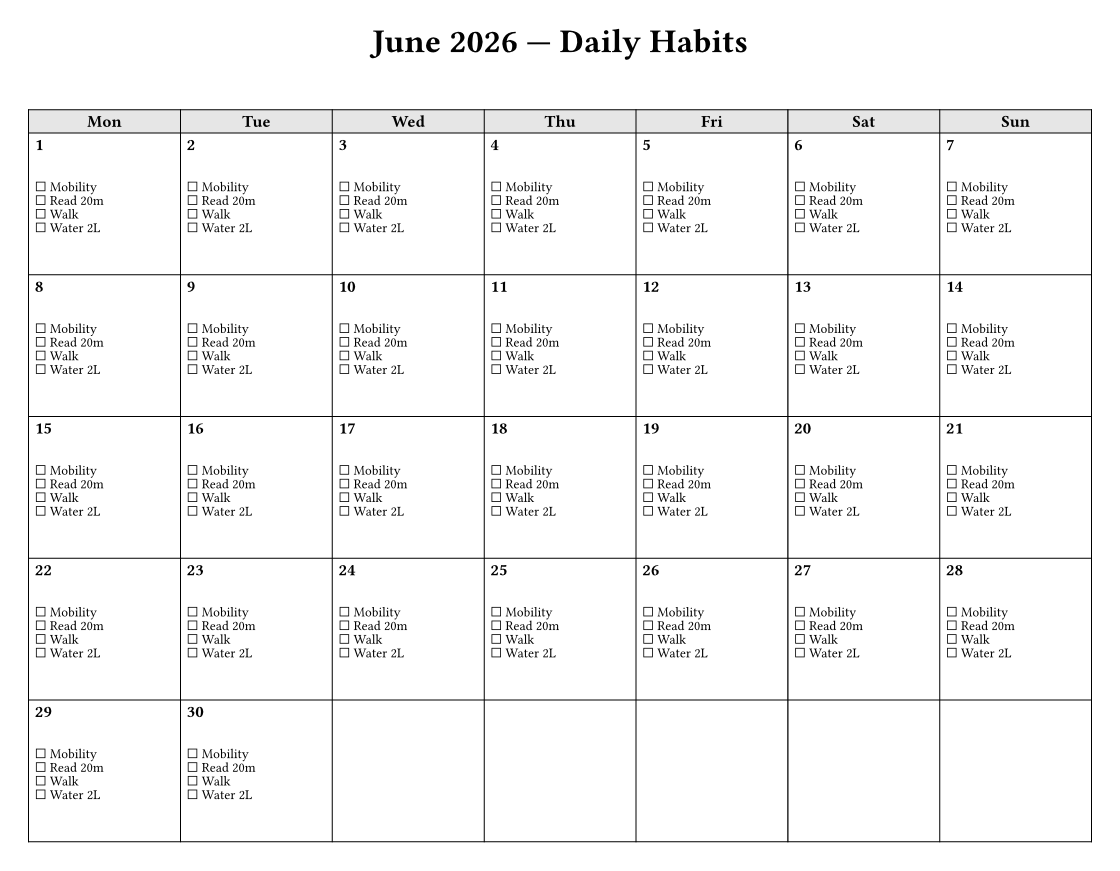
habit-tracker — a row of checkboxes per day, via the callback.
#import "@preview/calendaring:0.1.0": month-grid

#let habits = ("Mobility", "Read 20m", "Walk", "Water 2L")

#month-grid(
  2026, 6,
  cell-width: 1fr,
  cell-height: 2.4cm,
  cell-content: date => {
    text(8pt, weight: "bold")[#date.day()]
    v(2pt)
    stack(spacing: 2pt, ..habits.map(h => text(6.5pt)[☐ #h]))
  },
)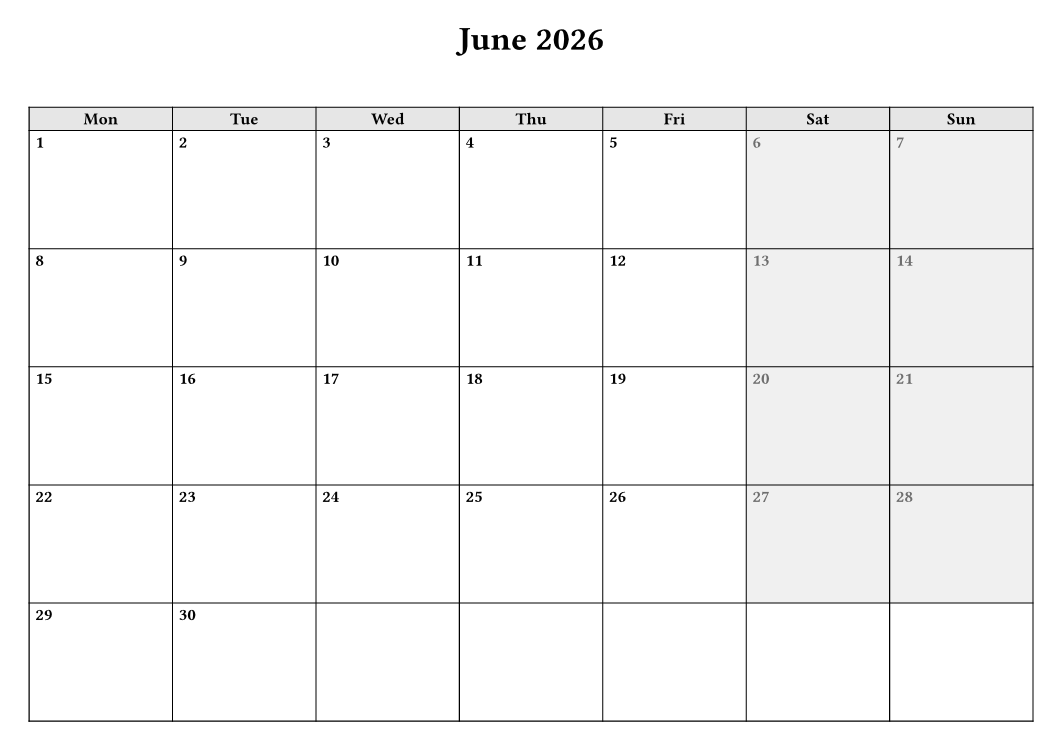
weekend-shading — grey Saturdays and Sundays by inspecting date.weekday() in the callback.
#import "@preview/calendaring:0.1.0": month-grid

#month-grid(
  2026, 6,
  cell-width: 1fr,
  cell-height: 2cm,
  cell-content: date => {
    if date.weekday() >= 6 {
      table.cell(fill: luma(240))[
        #text(8pt, weight: "bold", fill: luma(110))[#date.day()]
      ]
    } else {
      text(8pt, weight: "bold")[#date.day()]
    }
  },
)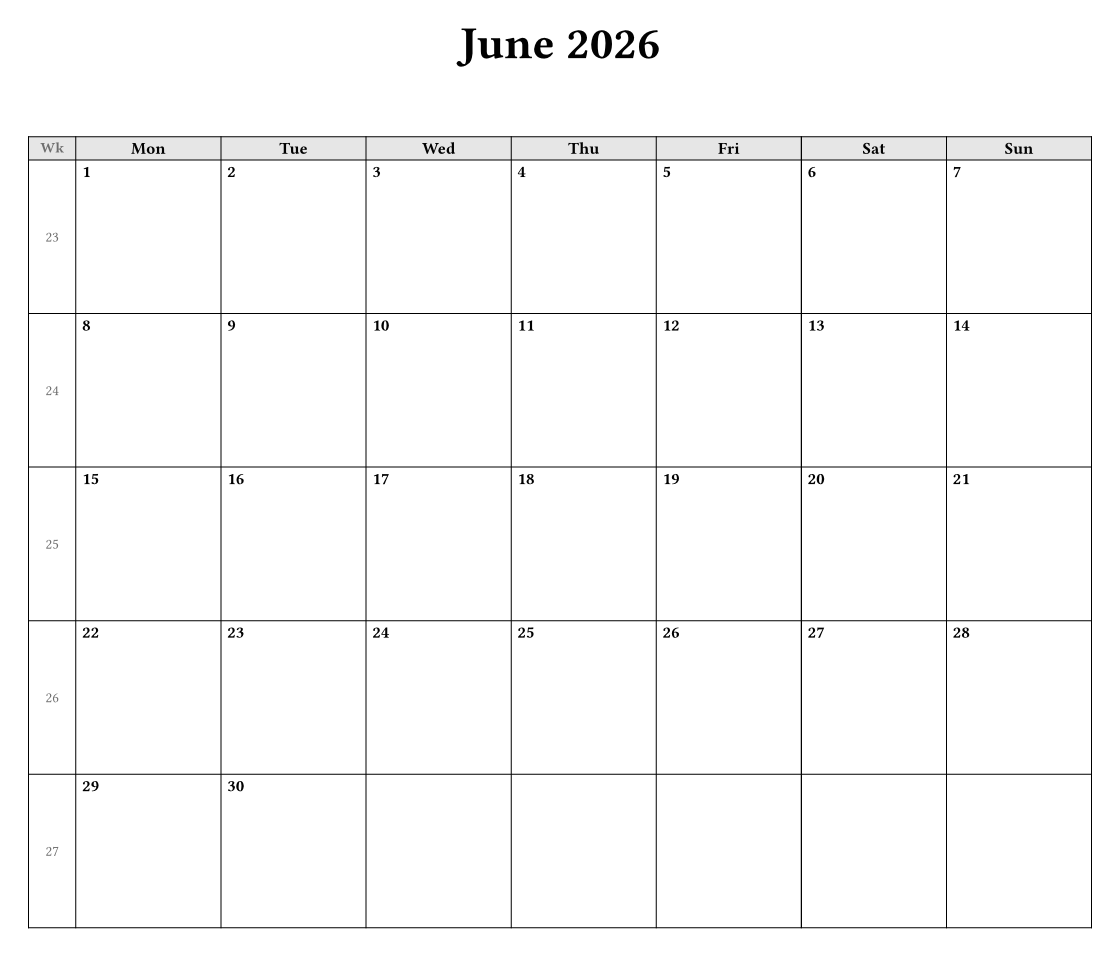
wall-calendar — the ISO 8601 week-number column in a larger layout.
#import "@preview/calendaring:0.1.0": month-grid

#month-grid(2026, 6, cell-width: 1fr, cell-height: 2.6cm, week-numbers: true)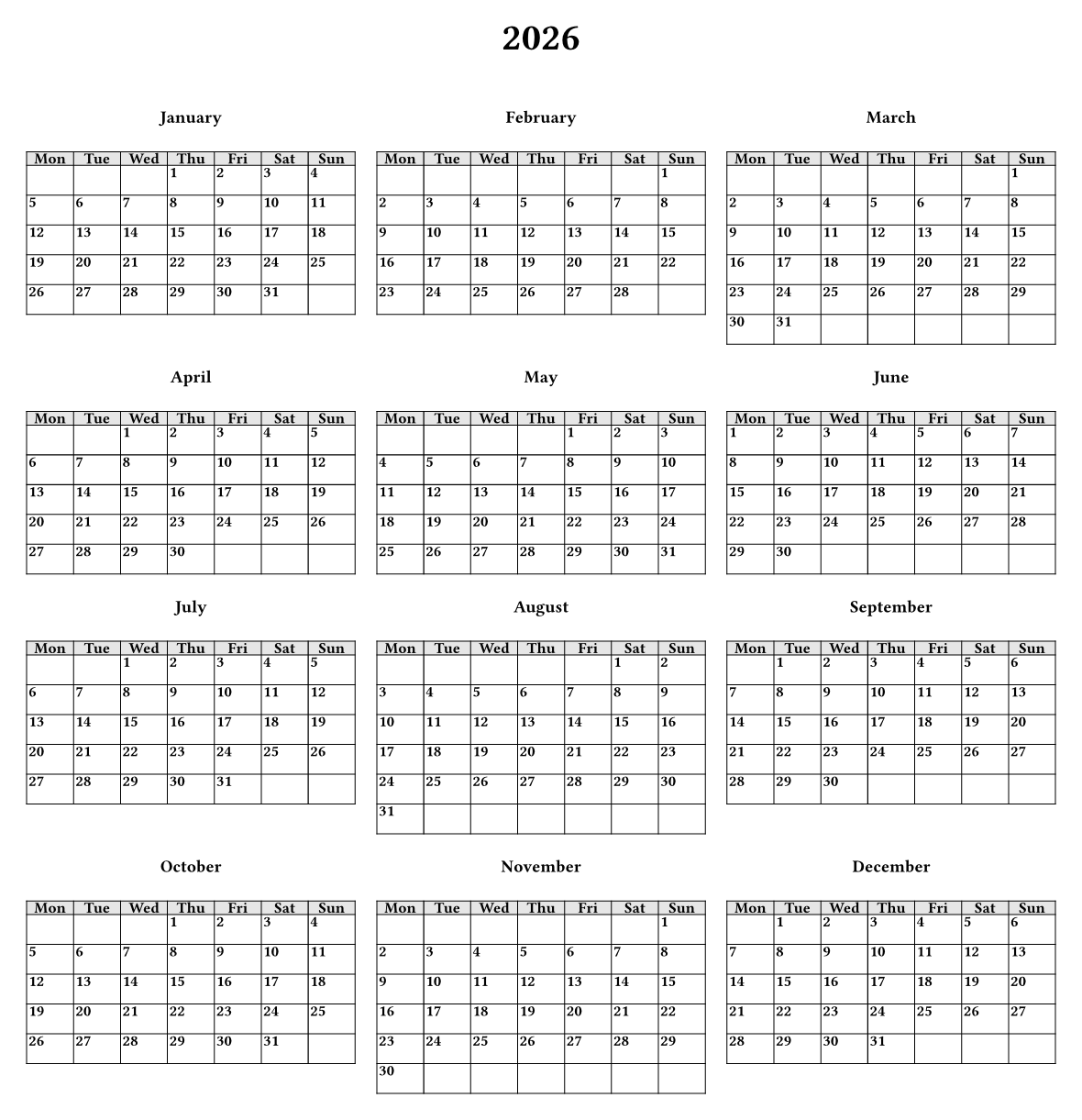
year-at-a-glance — all twelve months on one page through year-grid.
#import "@preview/calendaring:0.1.0": year-grid

#year-grid(2026)
Publishing it
calendaring is now published on Typst Universe, with its source in the typst/packages monorepo. The @preview import below works in any Typst document.
Publishing a Typst package is not the same as tagging a release on your own repository. Universe pulls from a central monorepo, typst/packages: you open a pull request that drops your package, with its manifest, into packages/preview/<name>/<version>/, an automated bot checks it, and a maintainer reviews and merges. Versions are immutable once merged, so the review gate matters. My first submission failed the bot’s check for a mundane reason worth flagging if you ever do this: the README linked to example files I had not included in the package, and the linker dutifully reported every broken link. Commit the files you reference, or do not reference them.
Installation is the usual one-liner:
#import "@preview/calendaring:0.1.0": month-grid, year-gridThe point
calendaring is about 195 lines that removed a recurring monthly chore. It will never be anyone’s headline dependency, and that is fine. But the small tools built to scratch a personal itch are often the ones worth sharing, because the itch is rarely unique to you.